

The question we get every single day
A PTA parent emails a screenshot of last year's spirit shirt. A coach forwards a logo pulled off the school website. An office manager attaches a PDF that looks perfect on screen but prints fuzzy. Everyone asks the same thing: "Is this file okay?"
The honest answer is: send what you have. We will tell you if it needs work, and in most cases we can fix it on our end before you ever see a mockup.

Vector versus photo, in plain terms
A vector file is built from math, not pixels. Programs save vector art as AI, EPS, PDF, or SVG. You can blow a vector logo up to the size of a banner and the edges stay sharp.
A photo file, like a JPG or PNG, is made of pixels. It looks fine at the size it was saved, but stretch it larger and it turns soft or blocky. That is exactly what happens when a small logo gets pulled from a website footer and asked to fill the front of a shirt.
Neither file type is wrong to send us. One just needs more work than the other, and that work is part of what we do before anything goes to print.
Why a website logo is usually too small
Most logos on a school or business website are saved around 150 to 300 pixels wide, because that is all a web page needs. A shirt print location is often 10 to 12 inches wide. Scaled up, that small file turns grainy fast.
This is not a flaw in your logo. It is just a size made for screens, not for a garment. When we get a logo like this, we usually redraw it as clean vector art so it holds up at full size, whether it is going on a youth small or a 3XL hoodie.
What a "free mockup" actually means
Every order starts with a free mockup before you commit to anything. That mockup shows your logo or design placed on the actual shirt color and style you picked, sized the way it will really print. You are not approving a rough sketch. You are approving what comes off the press.
If your file needs cleanup, redrawing, or color separation for screen print, that happens before the mockup is sent to you, not after. You see the finished version and sign off on it. Nothing prints until you say yes.
PDF, AI, SVG, or JPG: what to actually attach
If your logo was designed by a graphic designer, ask for the AI or EPS file. If someone built your flyer in a design tool, export it as a PDF with the art saved at full size, not shrunk to fit a page. SVG works well for anything made in a browser-based logo tool. All three keep lines sharp no matter the final print size.
JPG and PNG files are completely fine to send too, especially for team photos, mascots, or anything hand-drawn. We just need the largest, clearest version you have. A photo taken straight-on in good light of a printed logo on a jacket or banner is often more useful than a tiny screenshot, because we can trace the shapes and rebuild them properly.
What to do if all you have is a screenshot
Send it anyway. Screenshots are the most common file we receive, and we are used to working from them. We look at the shapes, the colors, and any text, then rebuild the design as clean vector art from scratch. This is the redraw step, and it is part of getting your order ready, not an extra hurdle.
If the screenshot is from a text message, a social post, or a printed flyer someone photographed, that still works. The lower the quality, the more questions we might ask about exact colors or wording, but a blurry file has never been a reason to turn down an order.
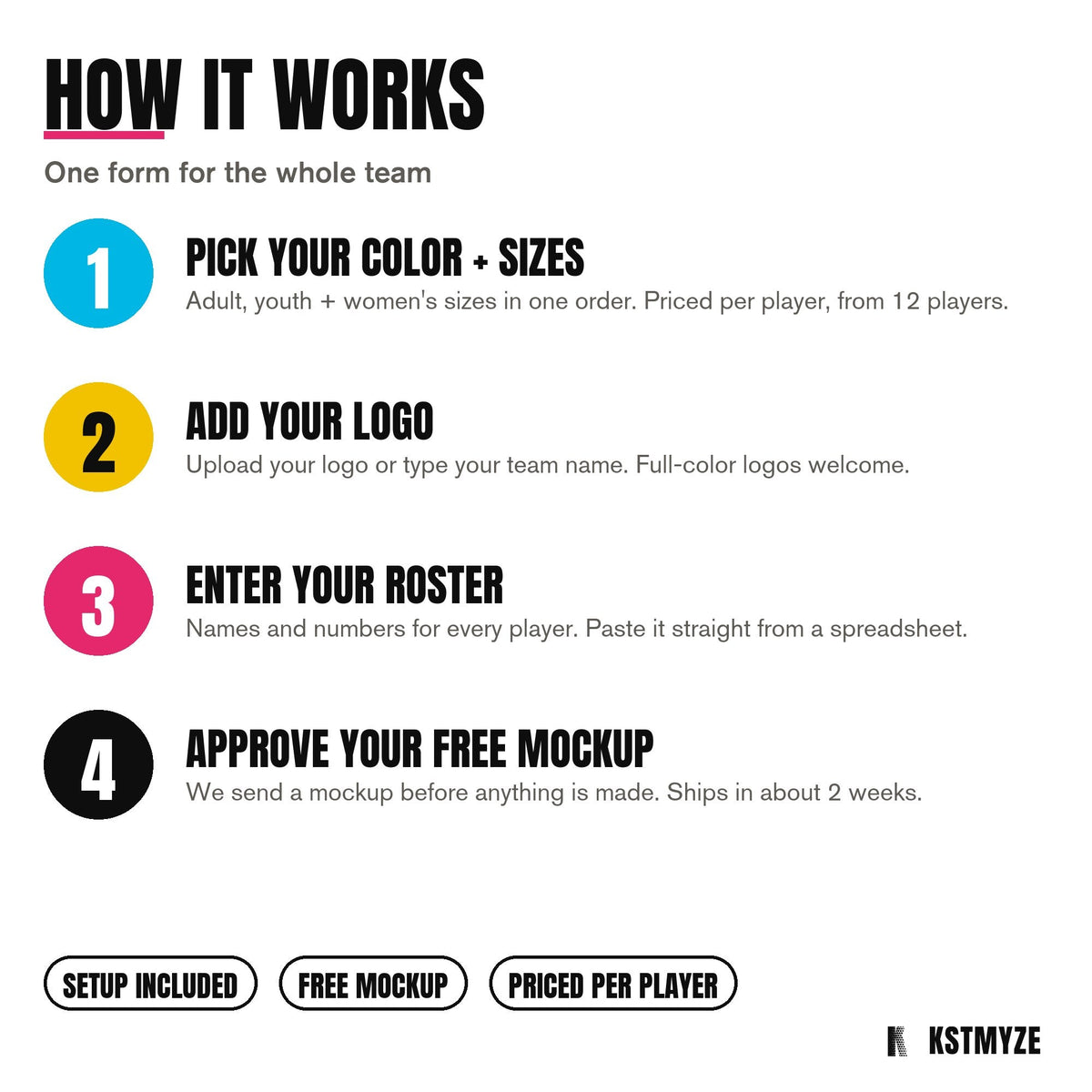
How it works
1
Send what you have
A logo, a sketch, a screenshot. We redraw what needs redrawing.
2
Approve the free mockup
Your design on the actual garment, sizes and colors listed, before you pay anything.
3
Printed and delivered
7-10 business days from art approval and receipt of deposit/garments.
Mitzvah and milestone orders work the same way
Families planning a bar or bat mitzvah shirt often start with a Pinterest screenshot or a photo of a friend's design. That is plenty to begin. We offer a few established styles, including Neon Script, Varsity, Monogram, and an EST. Badge layout, each one built around a name and a date.

Once you tell us which style you like and send over the name, date, and any reference image, we build the free mockup from there. You are not expected to arrive with finished art.
A note on setup, reorders, and sizing
Screen print jobs carry a setup charge of $25 per color per print location, and that fee is waived once an order reaches 100 pieces. If you are reordering a design we already printed before with no changes, the reset is just $10 per screen instead, also waived at 100 pieces. DTF transfers carry no setup fee at all, and there is no minimum quantity on DTF, which makes it a good fit for smaller or mixed-size orders. Screen print orders have a 12-piece minimum, and embroidery orders have a $75 minimum.
Sizing upcharges apply the same way on every order: 2XL adds $2.50, 3XL and up adds $4.50, and youth sizes run $1.00 less than adult pricing. Turnaround is 7 to 10 business days from art approval and receipt of deposit or garments, whichever applies to your order. If you need something faster, rush charges apply only to decoration and setup, never to the blank shirt or hoodie itself.
Just send it
Whether you have a polished AI file or a phone screenshot of a shirt from three years ago, the next step is the same. Upload what you have, tell us the color and sizes you need, and we will send back a free mockup before anything is finalized. There is no New Jersey sales tax on the printed clothing we supply, and every blank is described honestly by weight, not brand, so you know what you are getting.
Schools and PTA groups looking for spirit wear ideas can see more on our school spirit wear page, and office managers ordering for a team or company can check out our business shirts page. When you are ready, start your order on our quote page and attach whatever file you have.
Free mockup, no commitment
Send the idea, get a quote and a mockup back. Printed in Little Falls, NJ.
Get a quote
Share:
Fundraiser shirts: price them right so your group actually profits